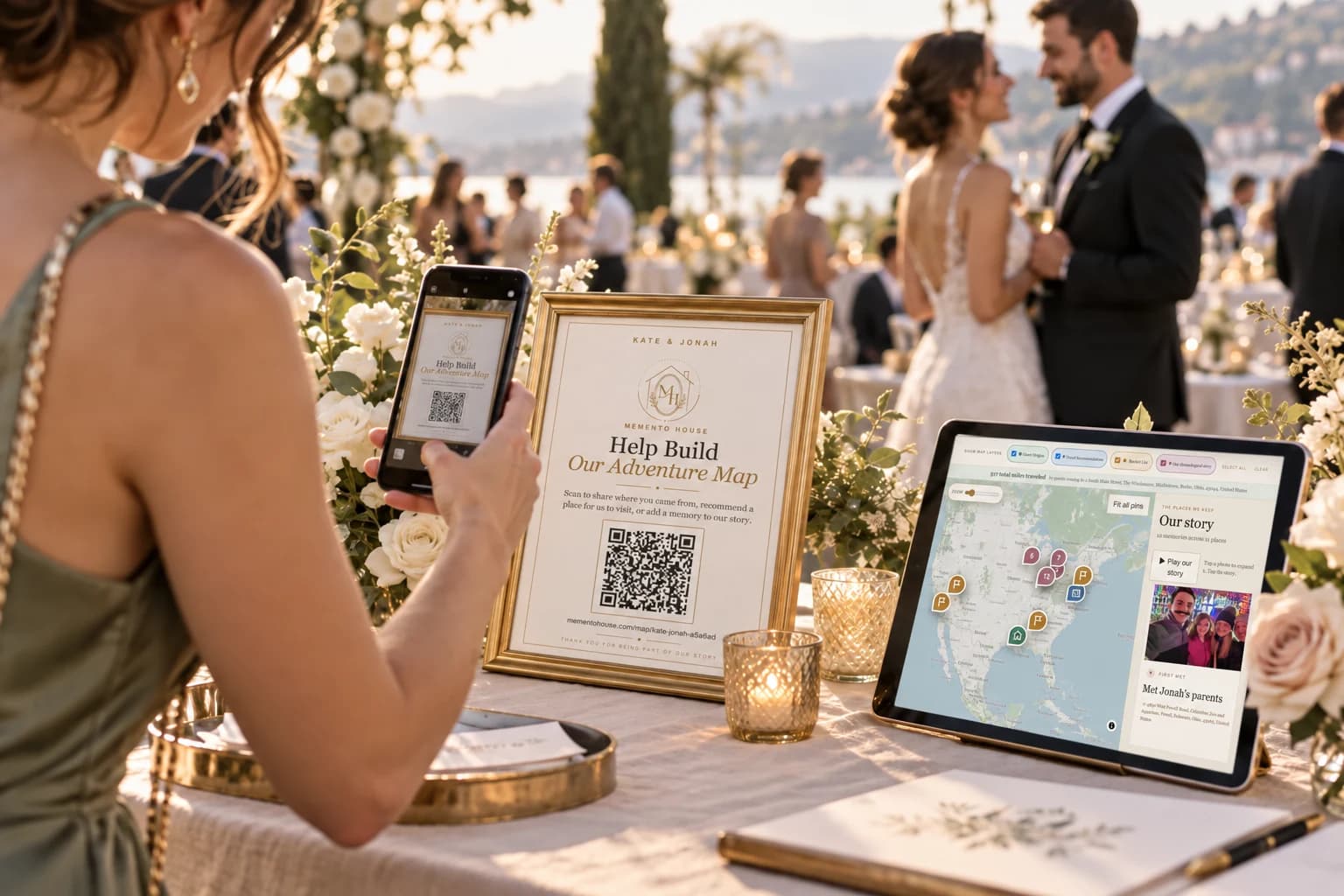
How QR guestbooks work
The printed square contains a link. A guest scans it with a compatible phone camera or scanner, opens the destination, and follows the contribution instructions. The destination might collect messages, photos, recordings, or meaningful places; the code alone does not determine those features.
For Memento Map, the link opens a browser experience where the first action is adding a place. Guests can share where they joined you from or a recommendation. Timeline Plus offers a separate memory step. Match your sign to the plan and prompts your actual link supports.
Give the scan a purpose
“Scan Me” describes a mechanism. “Scan to Add Your Mark” describes participation. Follow that headline with one sentence explaining the contribution: “Tell us where you traveled from and share a place we should visit together.”
Use your names or the event title so people can recognize the invitation. If there are menu, photo-sharing, and guestbook codes in the room, label each clearly. Avoid sending one guestbook sign to your store page while another goes to the event map. All guestbook copies should lead to the same intended experience.
Where to display the invitation
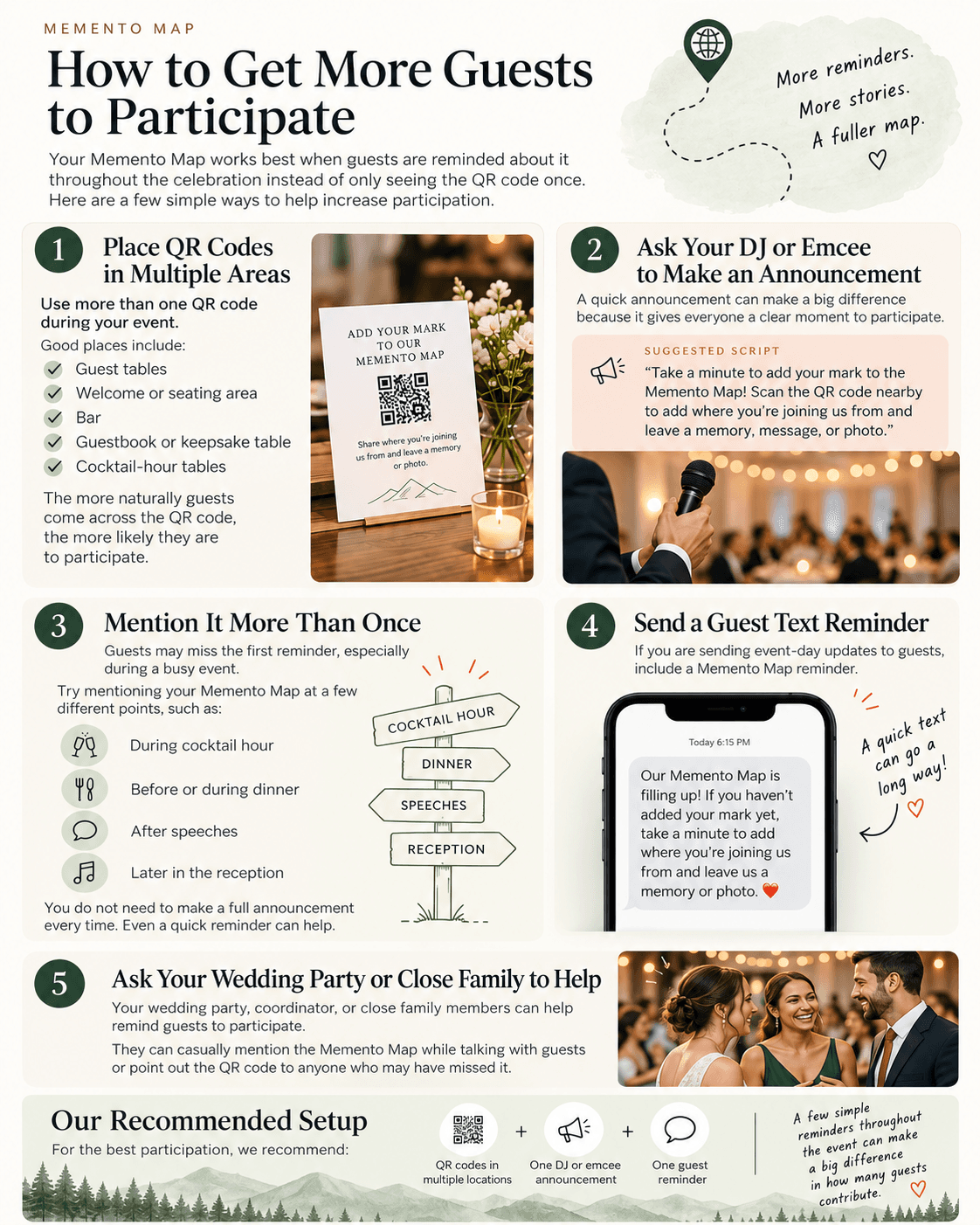
Place codes at natural stopping points rather than only where decorations photograph well. A welcome sign introduces the idea; seated tables keep it available; a bar or cocktail-hour table can provide a reminder. A keepsake table helps people connect the invitation to the finished result.
Keep signs out of service lanes and away from places where guests need both hands. Consider height, glare, contrast, and whether someone can pause without holding up a queue. A display slide can supplement printed signs, but do not assume everyone watches the screen at the right moment.
- Welcome or seating area
- Guestbook or keepsake table
- Cocktail-hour tables
- Reception tables
- Bar or lounge stopping points
- Optional slideshow or display
Test the code you actually print
Choose your final link first, then print a sample sign at its actual size. Try several phones in venue-like lighting. Check that the page opens and the first action is understandable. Test from a comfortable scanning distance, not only with your camera pressed against the paper.
Keep space around the code and do not crop its edges. If you place the sign behind glass, test glare. Provide a short written link for guests who cannot scan. Keep an extra copy with the coordinator so a damaged or misplaced sign can be replaced.
Combine signs with an announcement and reminder
A code cannot explain why the contribution matters. Ask the DJ or emcee to introduce the guestbook briefly at a natural transition. Have a wedding-party member demonstrate one contribution and help guests who ask. A short reminder later gives people another chance.
If you already send an event-day text, include the clickable link rather than an image of the code. Keep participation optional and warm. Guests who are dancing, caring for children, or catching transport may prefer to join later.
What a Memento Map guest sees
The link opens the couple’s shared experience, not their owner dashboard. Guests use real location search for a place, add the requested details, and see contributions in the map. When the selected plan supports dated memories, that invitation follows as a separate step.
Before choosing the product, try the wedding demo to understand the flow. Once you own a map, test your own QR link from the QR Code dashboard page. The sample is useful for education; your event signs should always use your own map link.
Offer another way to leave a contribution
Some guests do not use smartphones, have a flat battery, or would rather write. Keep a few cards and pens available. Ask for the same useful information as your digital prompt and tell people where to leave their notes.
A paper alternative does not have to become a second elaborate guestbook. Keep your main invitation clear and give the couple an easy collection plan. If you later add a written recommendation to your own journal, preserve the guest’s name and wording rather than implying it was automatically submitted online.
Check the scan from the actual printed sign
Print one sign at the size you intend to use, then scan it from a comfortable standing or seated position. Test more than one phone if possible. Check glare from an acrylic holder, low light, decorative backgrounds, and the distance between a guest and the sign. Avoid stretching or cropping the code. Leave clear space around it and use a high-contrast design.
Open the destination in a private browser window so your signed-in owner account does not hide an access problem. Confirm the correct couple or event appears, the invitation makes sense, and contribution controls are available. Repeat the check after a last-minute design change. A code that works on your screen is only the starting point for a useful printed invitation.
Separate the guest invitation from venue logistics
Use a dedicated guestbook sign when a venue already has QR codes for menus, seating, or photo sharing. Guests should not have to guess which code to scan. Give the sign a short headline, a one-sentence invitation, and the couple or event name. Keep unrelated directions away from the code so the purpose stays obvious.
Ask the venue where signs can safely sit without blocking service, a walkway, or place settings. Table cards and a welcome-area sign can work together, but do not assume every surface is available. Tell the coordinator which signs must stay out through the reception and which may move after cocktail hour.
Prepare a fallback before you need it
Ask about phone reception and guest Wi-Fi while planning, then test access at the venue if practical. You do not need to promise every guest perfect connectivity. A small stack of cards can collect a message or place suggestion when someone prefers writing or cannot get online. Keep the public link available for a later reminder too.
For Memento Map, the QR code opens the guest-facing map in a browser. Test your own experience rather than copying the sample event code. Once setup is ready, download the event materials and review the participation guide. Several clear invitations, an announcement, and a reminder support the code better than expecting it to do all the work alone.
Questions worth asking
Should a QR guestbook lead to checkout?
No. Your event sign should lead directly to your own guest-facing contribution experience, not to a purchase page.
What if guests cannot scan the code?
Provide the clickable or written shared link and a simple paper alternative. Test venue connectivity in advance.
Can guests join after the event?
That depends on your contribution settings. Share a reminder only while your map is accepting the contributions you want.
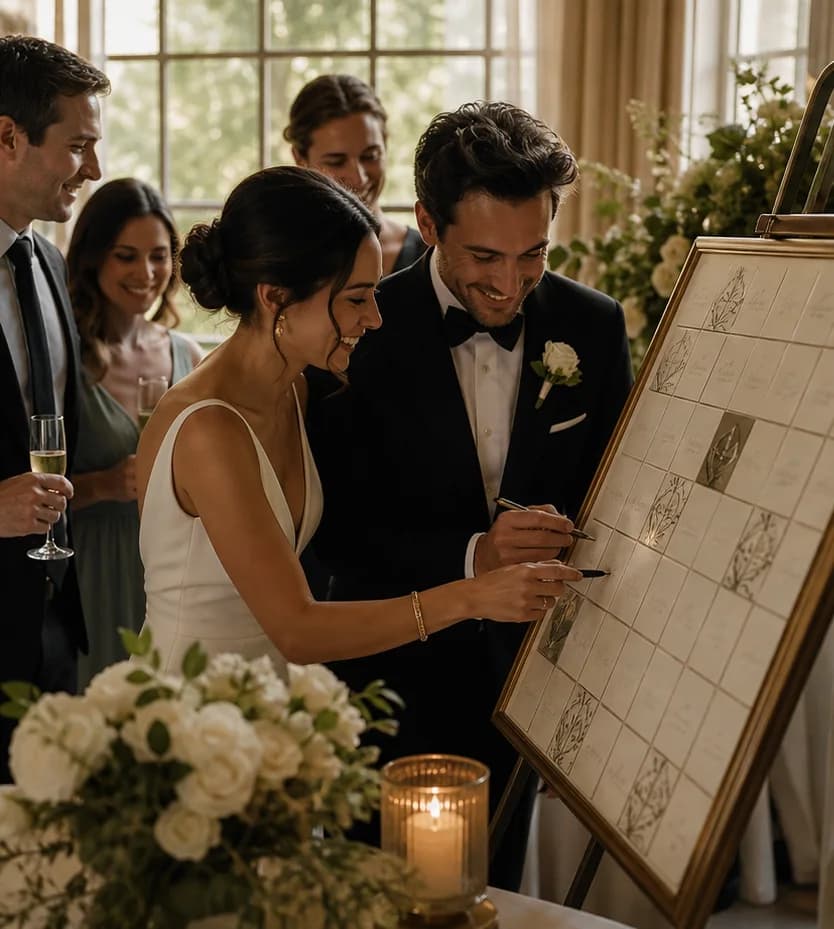 Guest Participation
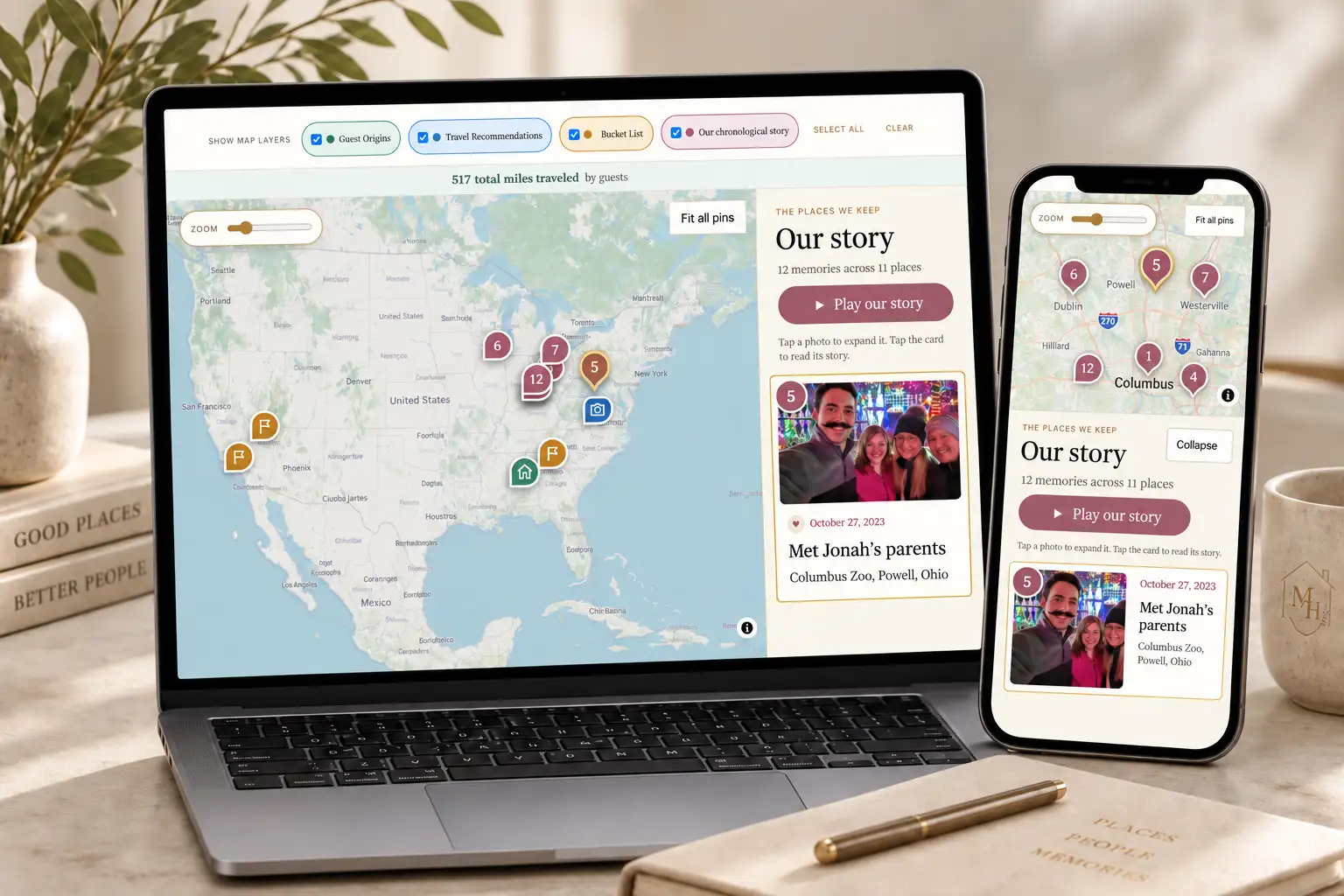 Travel & Maps